5 mins. read


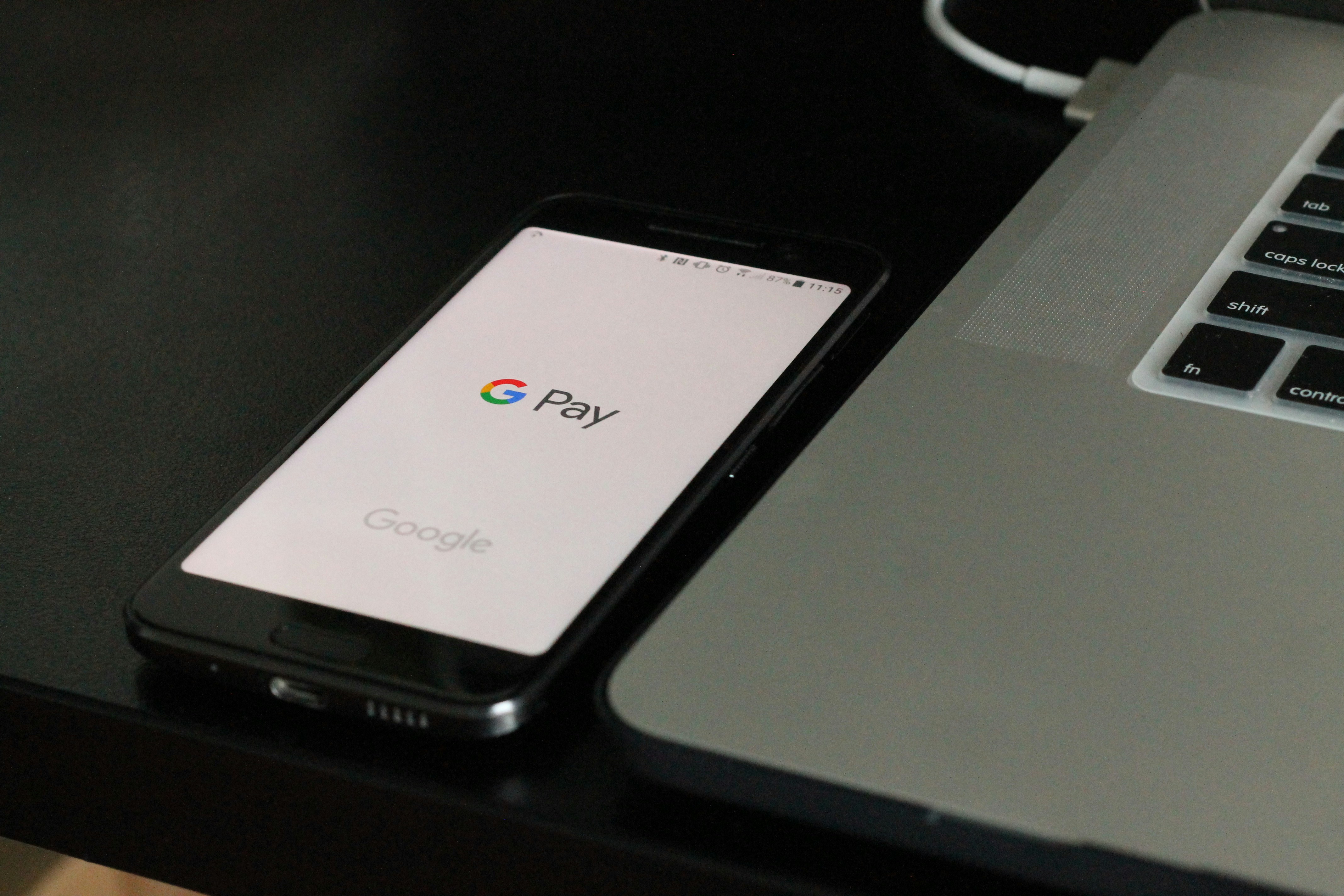
| Google Pay in the Philippines gives you a fast, secure way to pay online, in stores, and in apps using your Android phone. |
|
You’re living in a country where digital payments now move faster than ever. You want safety and convenience every time you make a transaction—and Google Pay delivers precisely that. It works as a versatile wallet for contactless payments and everyday spending.
If you want a smooth, no-fuss way to pay using your phone, this guide walks you through everything about Google Pay in the Philippines: setup, features, and tips on how to use it every day.
Google Pay Explained
Google Pay lets you make fast, secure purchases using your Android phone. You can access it through the Google digital wallet app, which also keeps your debit/credit cards, loyalty cards, passes, tickets, keys and IDs in one place.
Because it uses tokenization, your real card number never goes to the merchant—every transaction uses a virtual account number and a unique security code. If you ever lose your phone, you can lock it or remove your cards remotely.
Google Pay offers several helpful features, including:
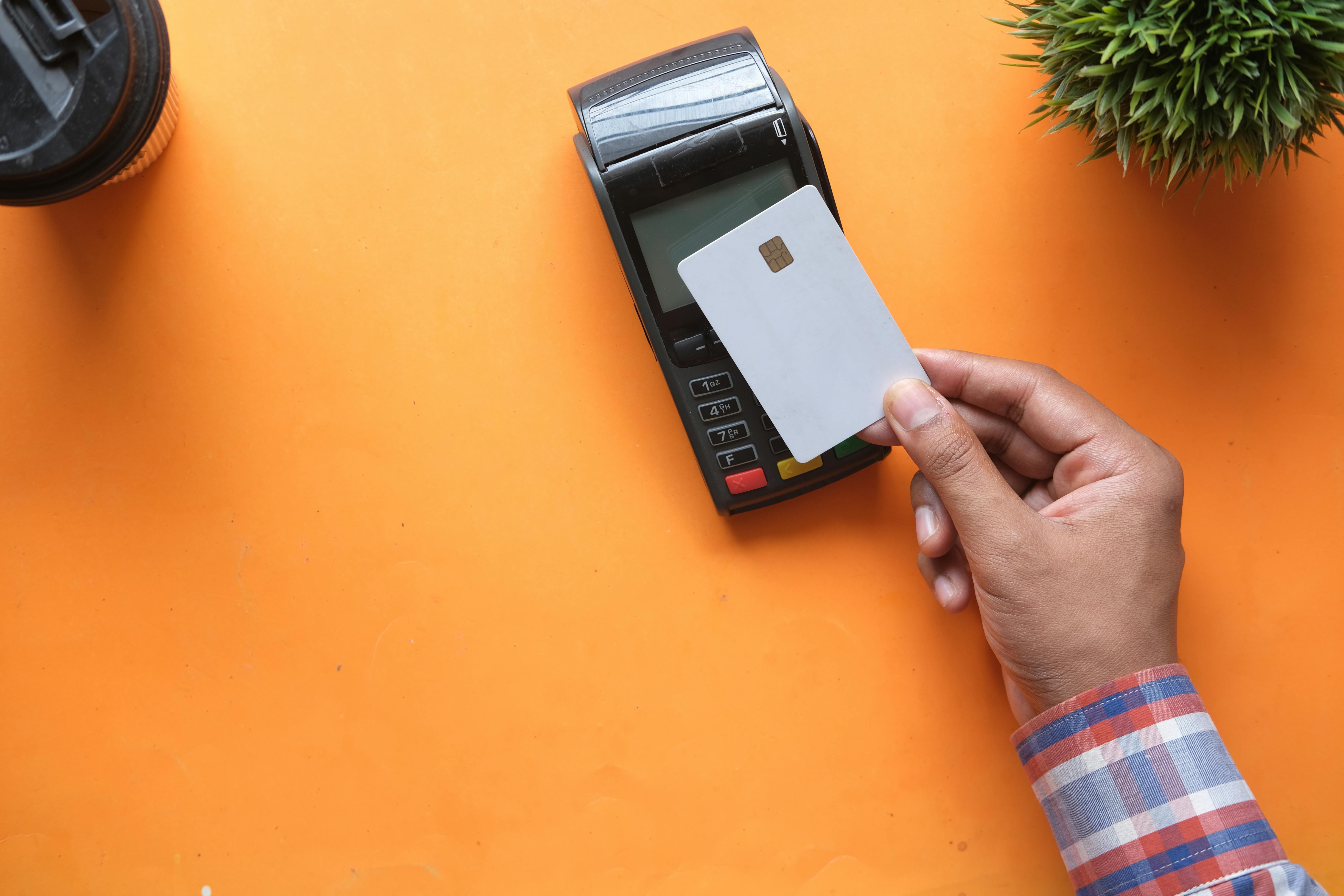
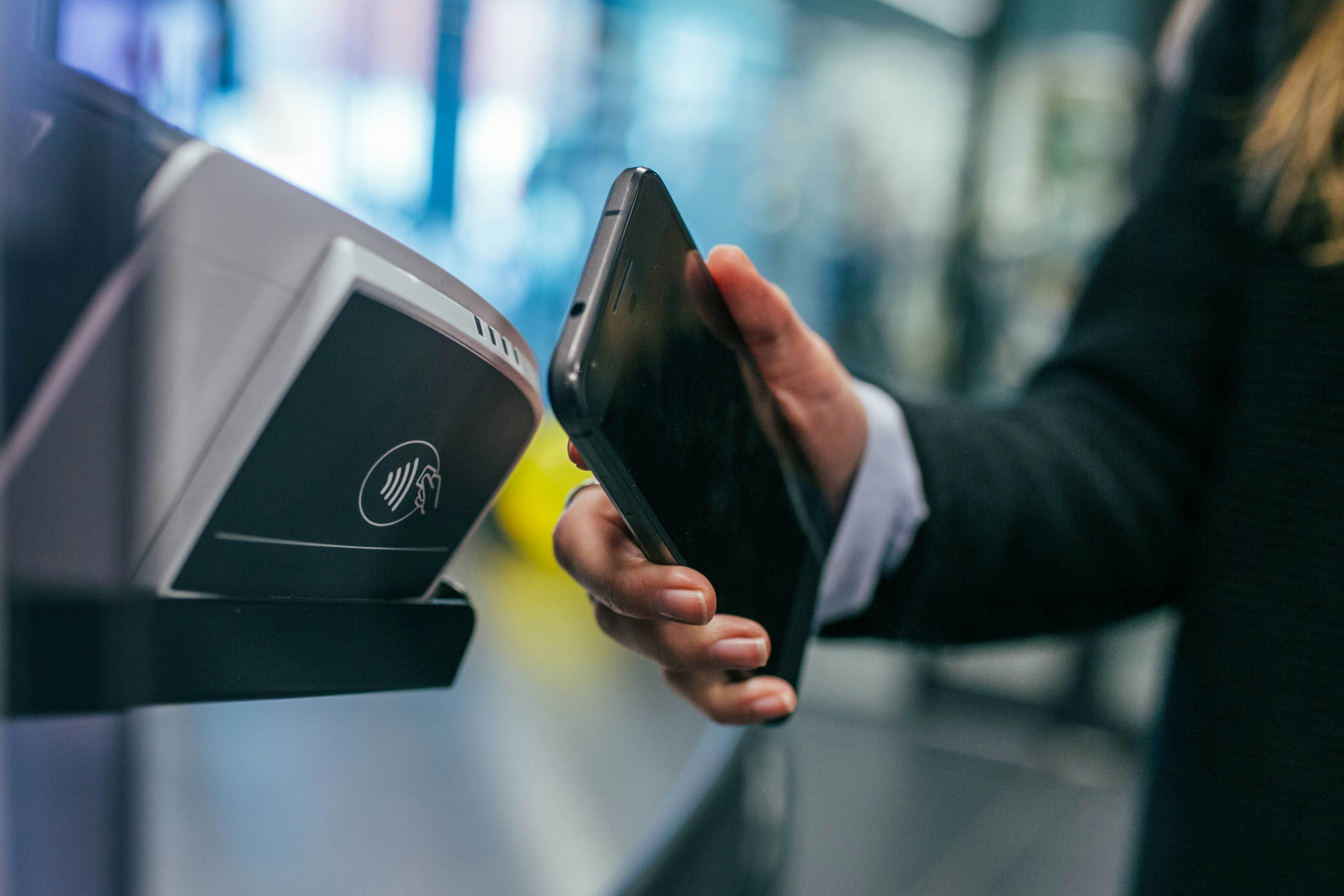
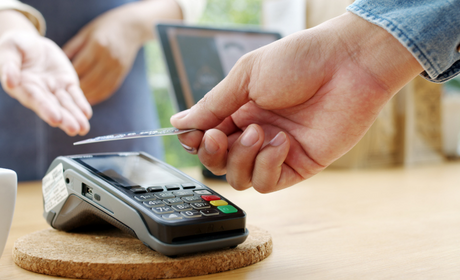
- Contactless payments - Tap your NFC-enabled Android phone or smartwatch to pay in stores, whether locally or abroad.
- Online and in-app checkout - Skip typing your card details and use “Buy with Google Pay” to pay faster, especially during emergencies.
- Digital storage - Save boarding passes, gift cards, loyalty cards, and transit cards.
- High transaction flexibility - No fixed transaction limit, though some shops may still ask for a PIN.
- Free usage - You pay no fees to download Google Wallet and use Google Pay.
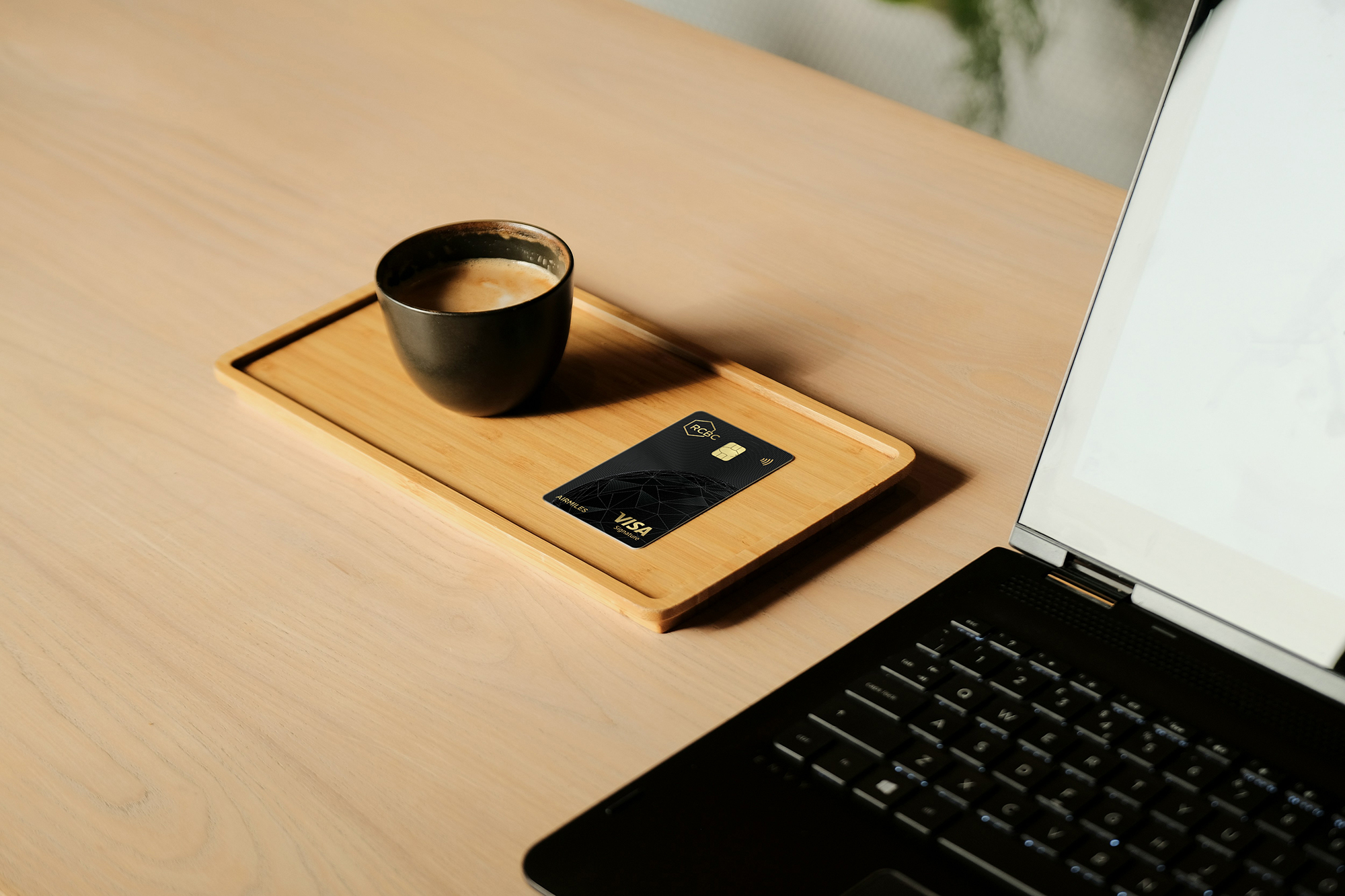
In the Philippines, you can use Google Pay with supported Visa and Mastercard credit or debit cards— including RCBC cards—without needing to load funds. You still earn your usual rewards, travel miles, or rebates, and you can add multiple cards to your wallet and set your preferred default. It works on NFC-enabled Android devices running Android 9.0 or higher.
How to Set Up a Google Pay in the Philippines
Before you start tapping your phone at checkout counters, you need a properly configured Google Pay Wallet account. Here’s how to set it up.
- Download Google Wallet from the Play Store
Install the Google Wallet app from the Play Store and log in using your Google account. Use the same account you rely on for your device to keep everything synced. - Select the Philippines as your country
You’ll be prompted to confirm your country. Choose the Philippines so the app shows supported banks, cards, and local features. - Set up your device security
Turn on your phone’s screen lock. You’ll use a PIN, fingerprint, or face unlock to approve payments. Google adds encryption and fraud protection on top of your device security. - Add and verify a payment method
Go to “Add a card” and enter your eligible Visa or Mastercard credit or debit card. You can type the details manually or scan the card using your camera. Accept the terms to continue. - Complete identity verification
Your bank will confirm your identity through a one-time password (OTP). Choose where to receive it, enter the code, and submit it. Supplementary or corporate RCBC cards receive the OTP on the supplementary cardholder’s registered mobile or email. - Confirm your account is ready
Once verified, your card appears as active and ready for use. Set your preferred default card and start paying by unlocking your phone and tapping it at any contactless terminal that shows the Google Pay or contactless symbol. - Review payment and policy transparency
A legitimate travel agency demonstrates professionalism through secure, traceable payment practices and transparent policies. - Secure payment methods: Reputable companies accept verifiable payment methods, such as credit cards or established online payment gateways, creating a transaction record that protects you in case of disputes. Avoid agencies that pressure you into cash payments, transfers to personal accounts, or cryptocurrency.
- Transparent pricing: All fees, commissions, and charges should be disclosed upfront in a clear breakdown.
- Clear terms and conditions: Demand written policies for bookings, cancellations, and refunds. These documents should clearly explain what happens if flights, hotels, or tours are changed or interrupted.
Google Pay Your Way to Effortless Shopping
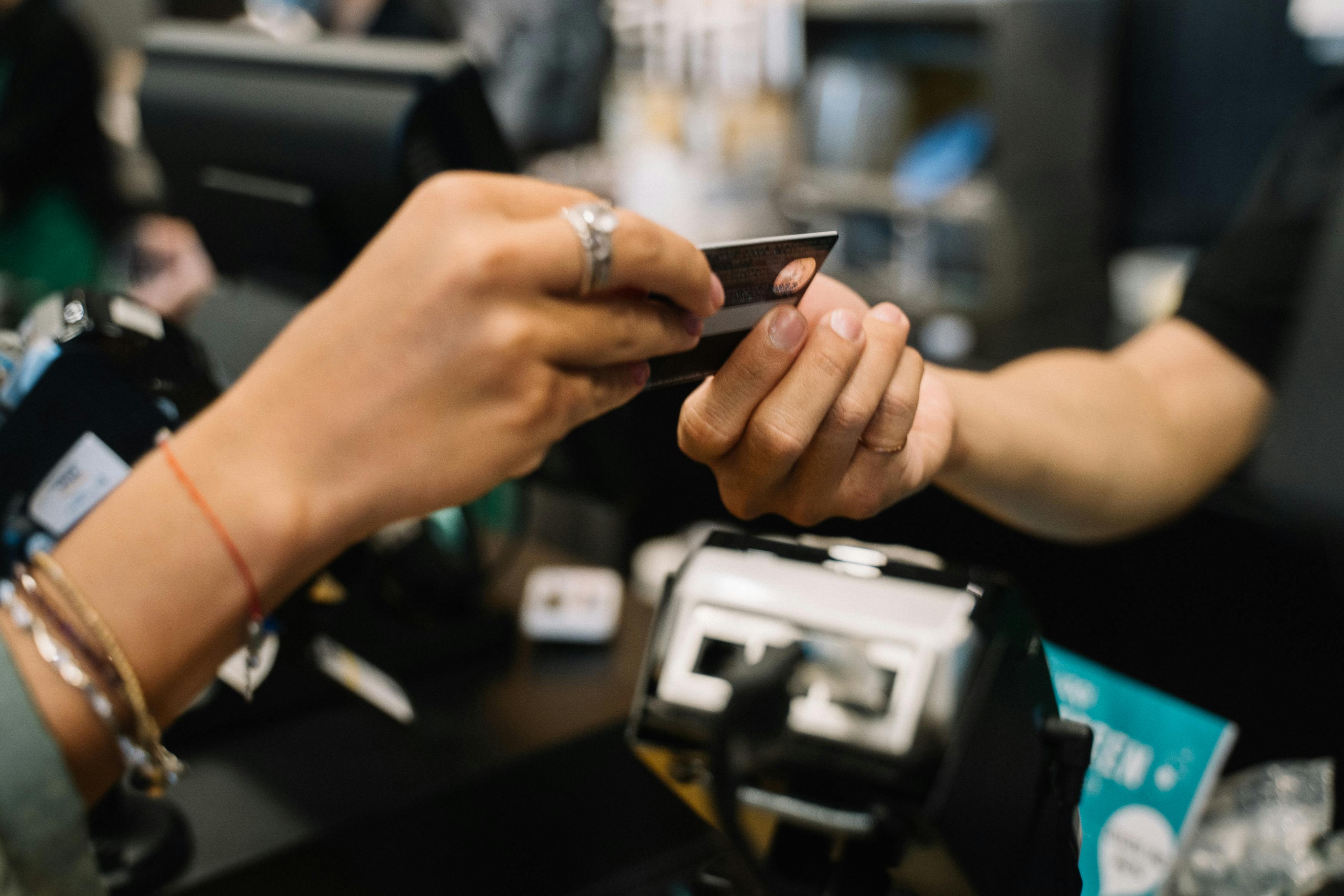
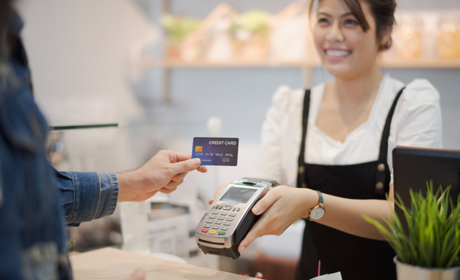
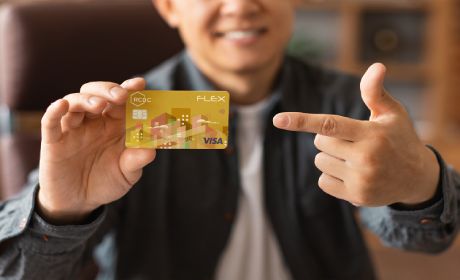
Google payments gives you a smoother, safer way to pay in stores, online, and inside your favorite apps. You drop the plastic, tap your phone, and go. When you link your Google Pay with your RCBC credit card, you also experience easier checkout and added security through Google Wallet.
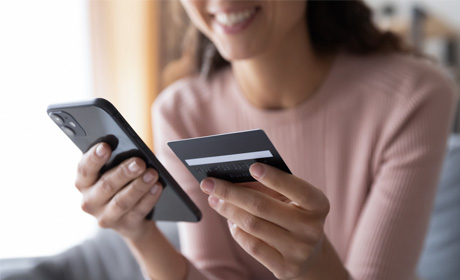
From daily coffee runs to online shopping sprees both abroad and locally, your Android device becomes a wallet-free solution for seamless payments.
Live life in the fast (checkout) lane. Download Google Wallet today and add your RCBC Credit Card, and experience convenience, control, and confidence with every payment.
Frequently Asked Questions
Google Pay lets you tap to pay in stores and check out online using the cards saved on your Android phone. It uses NFC and tokenization for safe transactions.
Download Google Wallet from the Play Store , sign in using your Google account, turn on device security, and add your preferred card. Once verified, you can start tapping to pay.
Yes. RCBC Mastercard and Visa Credit Cards work with Google Wallet for easy, secure tap-to-pay and online checkouts.
Yes. Google Pay replaces your card number with a secure token and requires screen lock authentication, keeping your details protected.
Go to the Google Wallet app → Add card. Follow verification prompts. You can remove any card anytime with a single tap.
Check your internet connection, confirm NFC is on, and verify that your card is active. If the problem continues, contact your bank.










.png)
.png)





.jpg)
.jpg)
.jpg)

.jpg)

.jpg)


.jpg)
 (1).jpg)
 (1).jpg)
 (1).jpg)

.jpg)
 (1).jpg)
 (2) (1).jpg)
 (2) (1).jpg)
.jpg)
 (1).jpg)
 (1).jpg)
 (1).jpg)
 (1).jpg)


.jpg)
.jpg)
.jpg)
.jpg)
.jpg)
.jpg)

.jpg)
.jpg)
.jpg)
.jpg)
.jpg)
.jpg)
.jpg)
 (1).jpg)

.jpg)

.jpg)
.jpg)
.jpg)
.jpg)
.jpg)
.jpg)



.jpg)